For the complete documentation index, see llms.txt. Markdown versions of documentation pages are available by appending
.mdto page URLs; this page is available as Markdown.
Print General Ledger Listing
How to create?
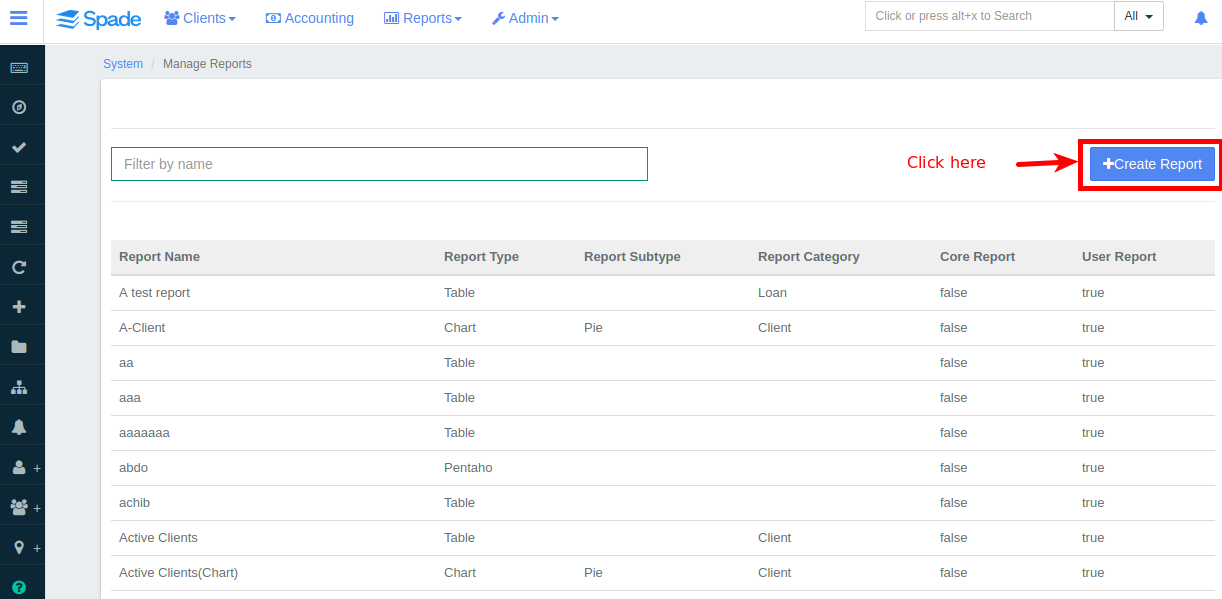
1. Navigate to Admin, select Systems and click Manage Reports, now click on +Create report from the menu displayed which looks like the image shown below
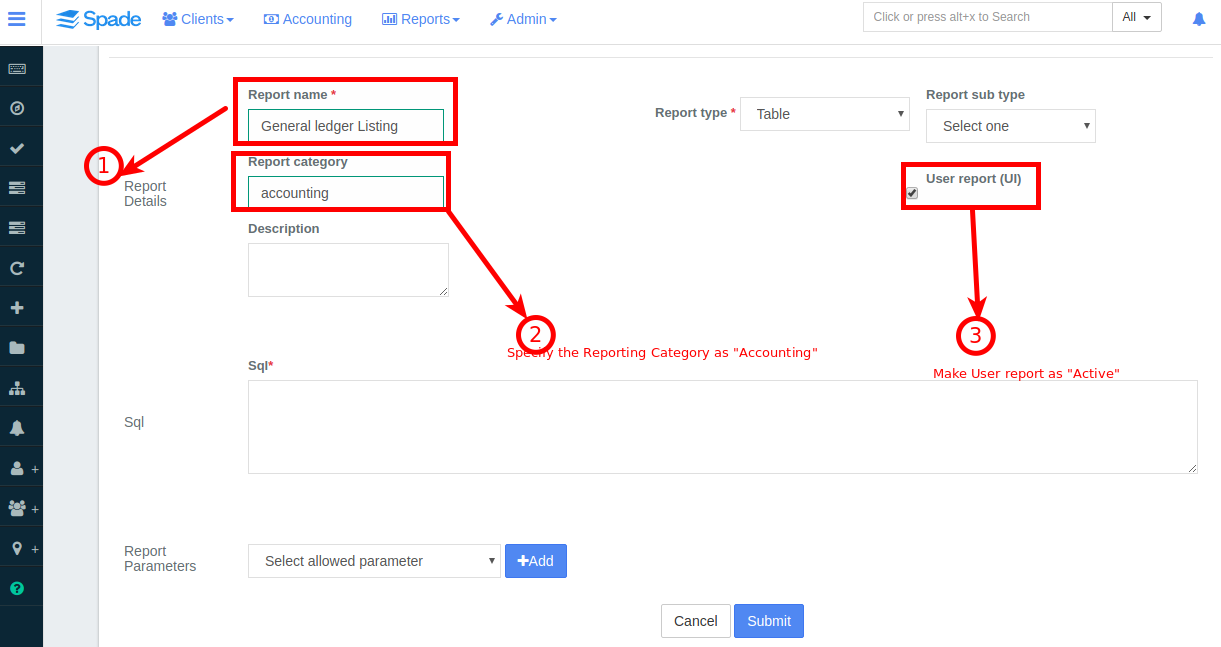
2. Enter the details for 'Report Name','Report Category', 'User Report' fields.
{% hint style="danger" %} Report category must be specified as "Accounting" {% endhint %}
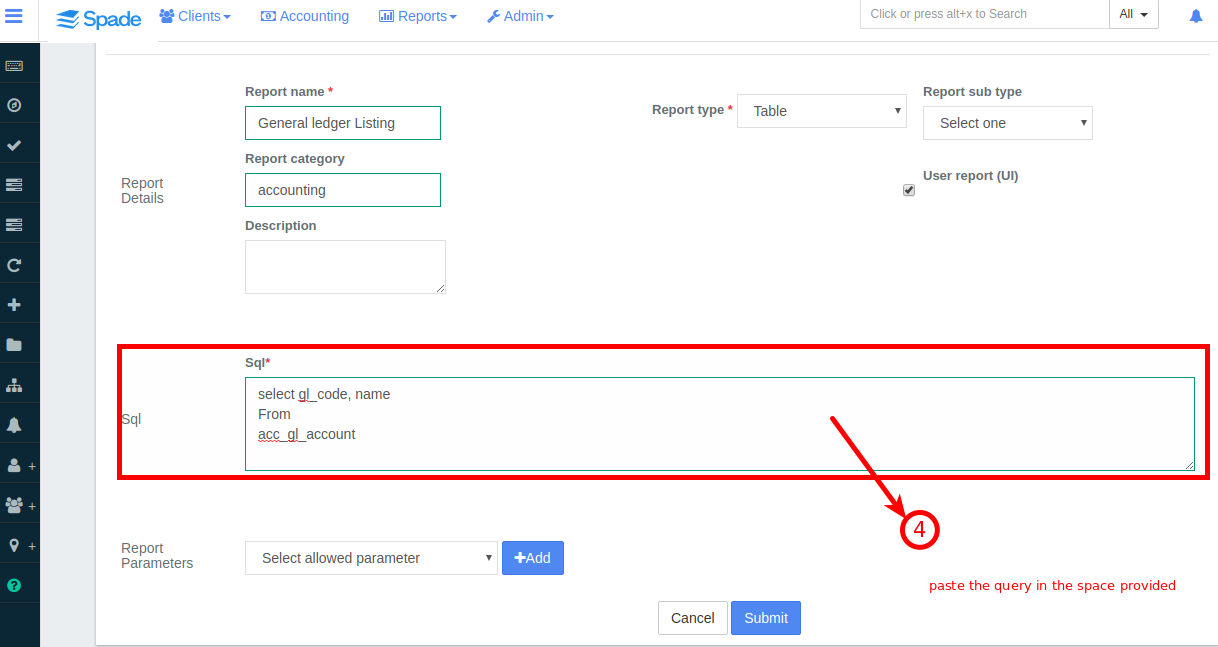
3.Next in the field provided for 'Sql', paste the below query:
{% hint style="info" %}
{% endhint %}
select gl_code, name |
|---|
4. Click 
How to Print?
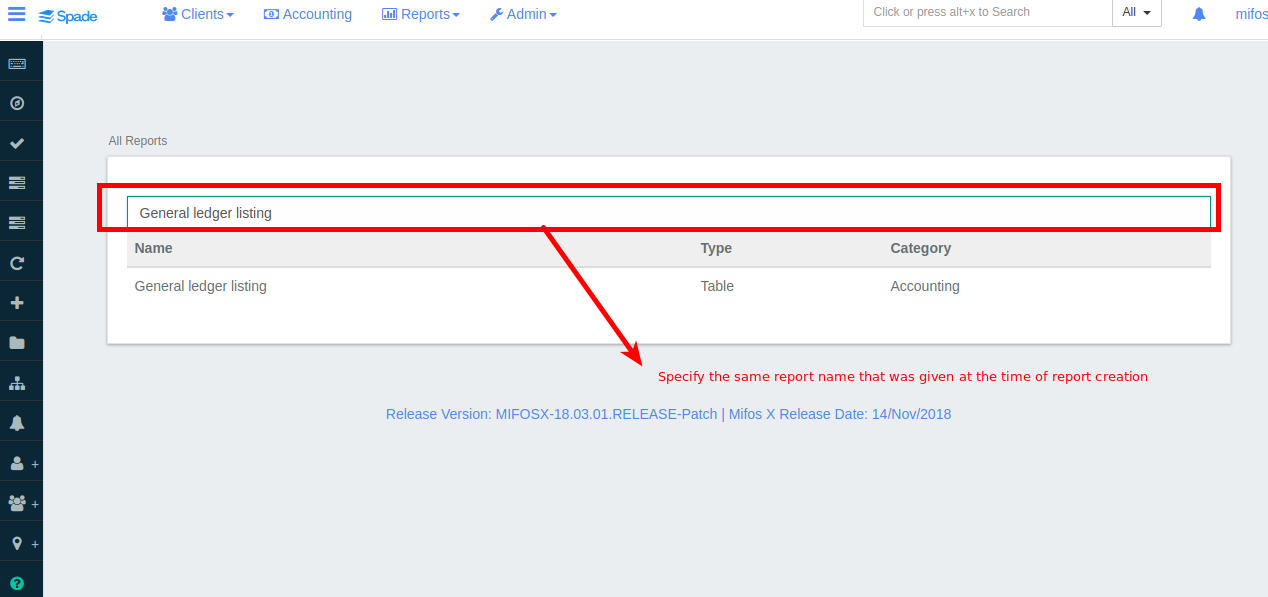
1. Navigate to Reports then select All from the drop down menu. In search bar "Specify the same report name provided at the time of report creation"
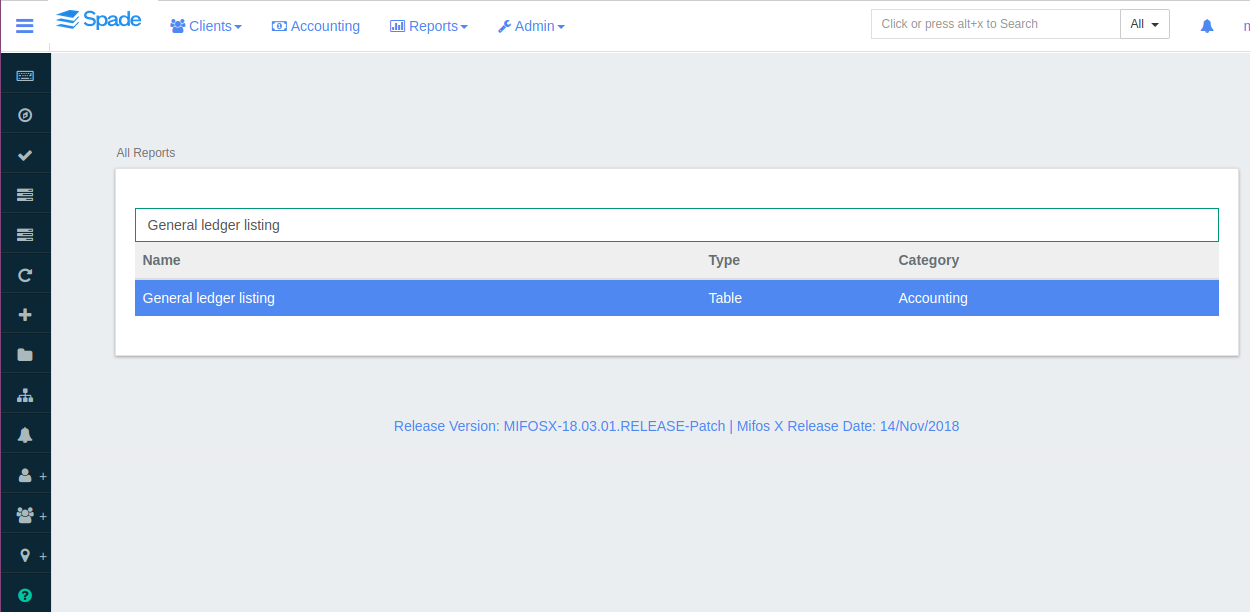
2. Click on the report.
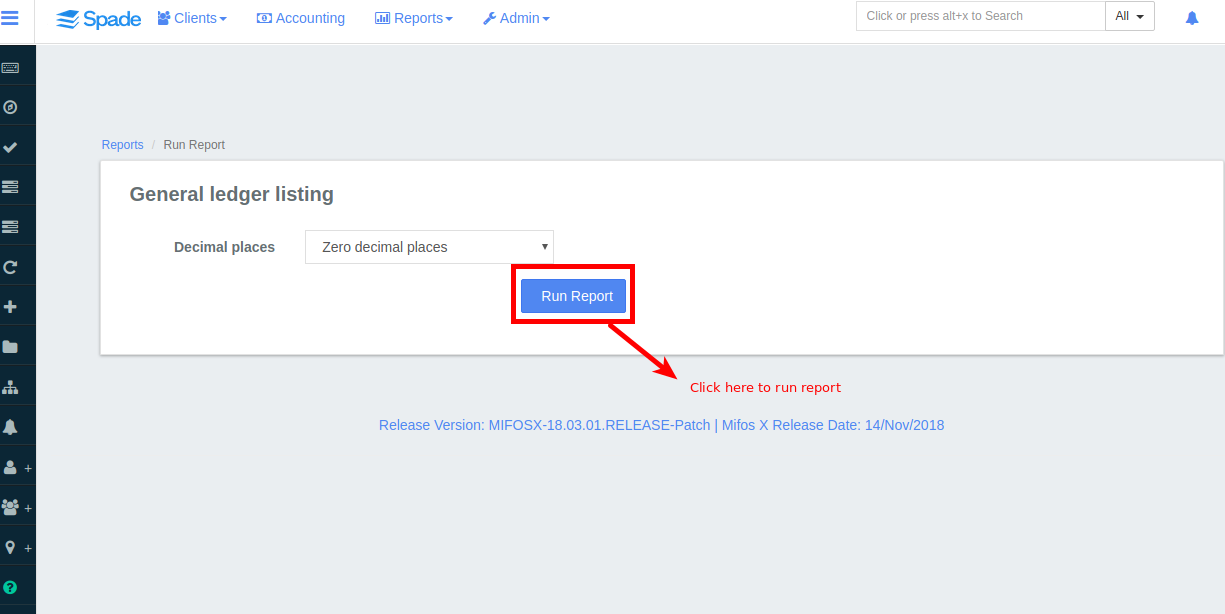
3. Click 
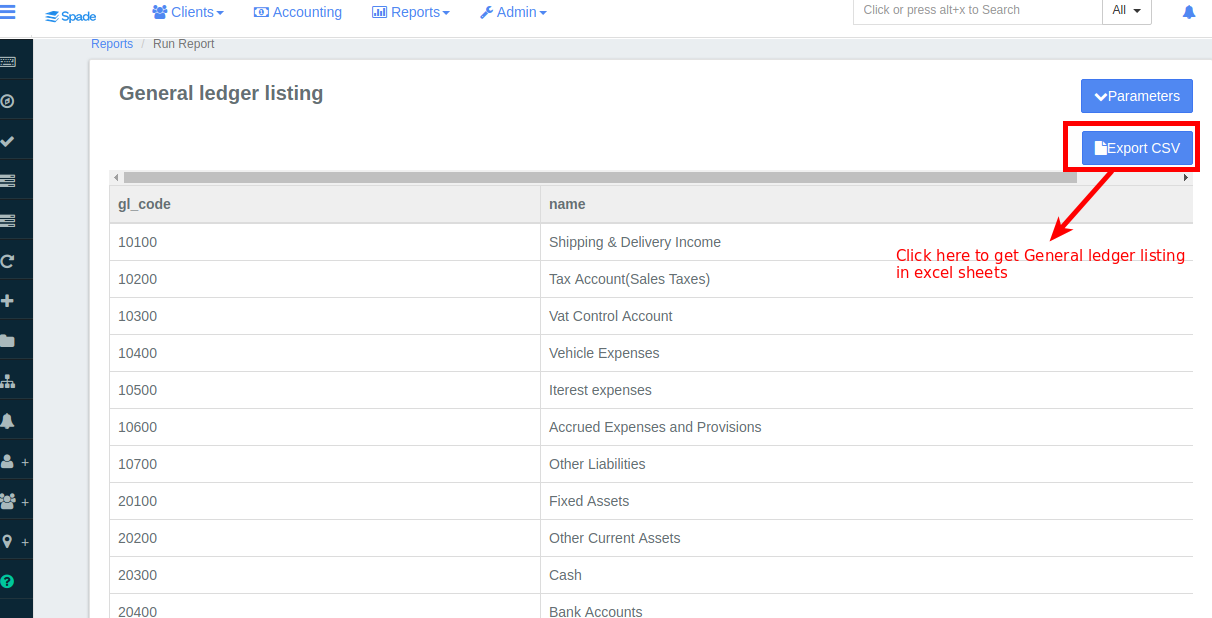
4. Once "Run Report" is clicked all the Chart of Accounts are displayed.
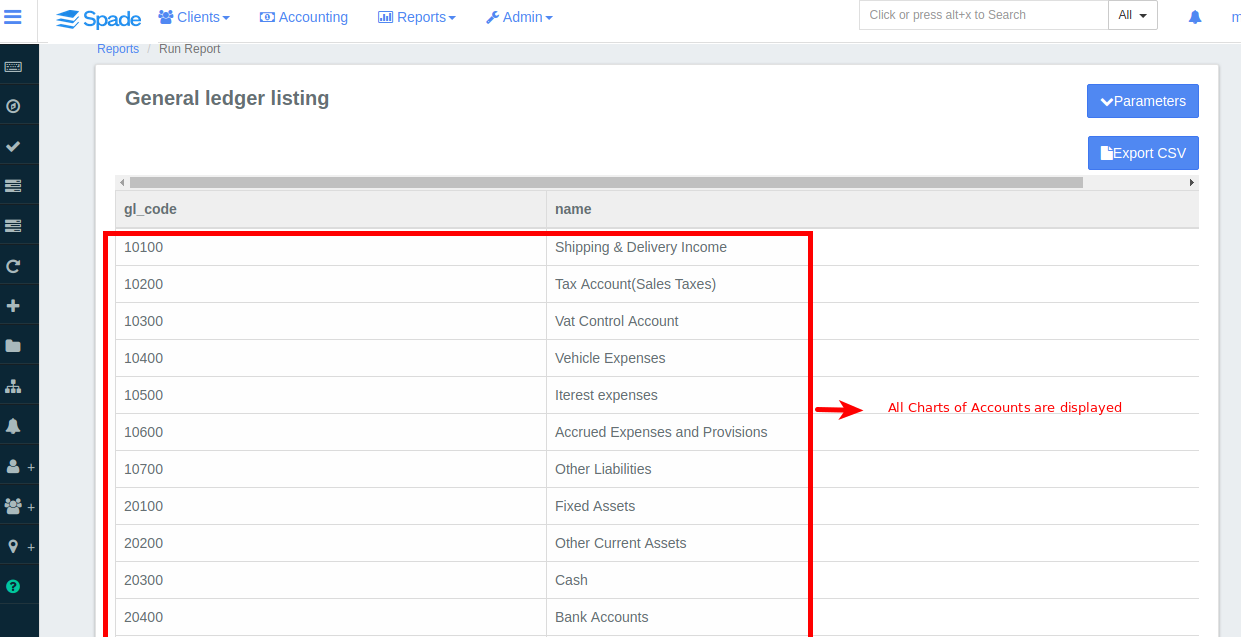
5. To Print the general ledger listing click on